|
|
|
|
|
It is possible that the download link provided above does not refer to the intended version.
If you are looking for Secure Image Pro, you may try searching for a download link using
Google.
|
|
| |
|
Review
This review applies to version 4.0
The latest version of this software will soon be reviewed by our
informers.
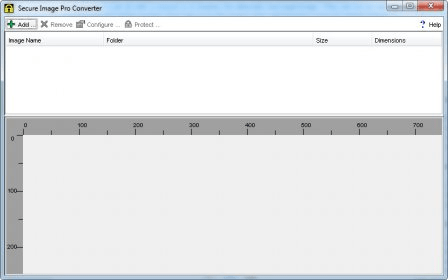
Copy protect images on your web site and CD using image encryption and domain lock. Secure Image uses image encryption with Domain Lock to prevent direct saving, right mouse saving, direct downloading and bandwidth theft. Options include targeted hyperlink on the image, status bar and image settings for downloading messages and border frames. Instead of placing a normal image onto the html page the image is first encrypted for insertion into a viewer. It is the applet viewer that sits on the page replacing the image. The encrypted image is unusable unless displayed from its viewer. It is only the encrypted images that are uploaded to the server, so the master images are safe from everyone. Pro will encrypt 1,000's of images on a single click. Images to encrypt can be imported one at a time or in batches. To select a batch of images to import, select the "folder" that they are in and Pro will import all the JPG and GIF files that are in good condition. When you have finished configuring the look of your images, they can all be converted with one click of the button. Highlight all the images to convert (or Select All) and you will have the option of saving each image to its own page, or saving all the images to the one page with their titles underneath for easy identification. |
|
|
Screenshots
|
|
|